
Check where the pin came from, then run a visual search on one piece at a time. If that gets you nowhere, describe the piece in words, or paste the pin link into pinni, which finds each piece in the photo and lists a price with a link to the seller.
You saved the pin months ago. There is no shop link, the comments are no help, and the board is now four hundred pins deep. Pinterest outfit photos are some of the hardest to shop, because almost none of them are product pins. These four ways work, in this order.
1. Check where the pin came from
Tap the pin and look under the photo. If there is a link or a Visit button, open it. Fashion pins often come from a blog, a store page or a creator's site, and the pieces are sometimes listed there with links.
Then read the comments. People ask "where is this from?" all the time and someone often answers. Last, open the creator's profile and look at their other pins. The same outfit tends to show up again in a different photo, and one of those pins may carry the link.
If the photo came from Instagram or TikTok, search the creator's name with "outfit details". Many creators keep their picks on a link-in-bio shopping page.
2. Use visual search on one piece
Visual search compares the shape, color and pattern of part of a photo against products. Two options are worth trying and both are free to use: the visual search inside Pinterest (look for the small search icon on the pin's photo) and Google Lens, which is built into the Google app and Chrome.
- Save or screenshot the pin photo.
- Open Google Lens and choose the photo.
- Drag the box so it covers one piece only, like the jacket.
- Open the shopping results and compare the closest matches.
The most common mistake is searching the whole photo, which returns more photos of similar scenes instead of products. Shoes and bags are usually the easiest to match, so start there.
3. Describe it in words
When the photo is dark or blurry, or the piece is small, describe it the way a store would. Put the words in this order: color, material, cut, item, then one detail.
- oxblood leather cropped bomber jacket
- light wash baggy straight leg jeans
- cream chunky knit crew neck sweater
Open the Images or Shopping tab and scan for the one that looks right. If you find the right shape in the wrong color, keep it, because changing the color on the product page is usually easier than finding the shape again. For a bank of phrases, see what to search on Pinterest for outfits.
4. Paste the pin link into pinni
Searching for every piece in an outfit gets slow when there are five of them. pinni does it from the pin link. In Pinterest tap Share, then Copy link, and paste the link into pinni. It finds the pieces in the photo and shows one price per piece with a link to the seller.
No link, or the pin has been removed? Take a screenshot instead. pinni's Photo tab accepts any photo from your library, so the screenshot works the same way.
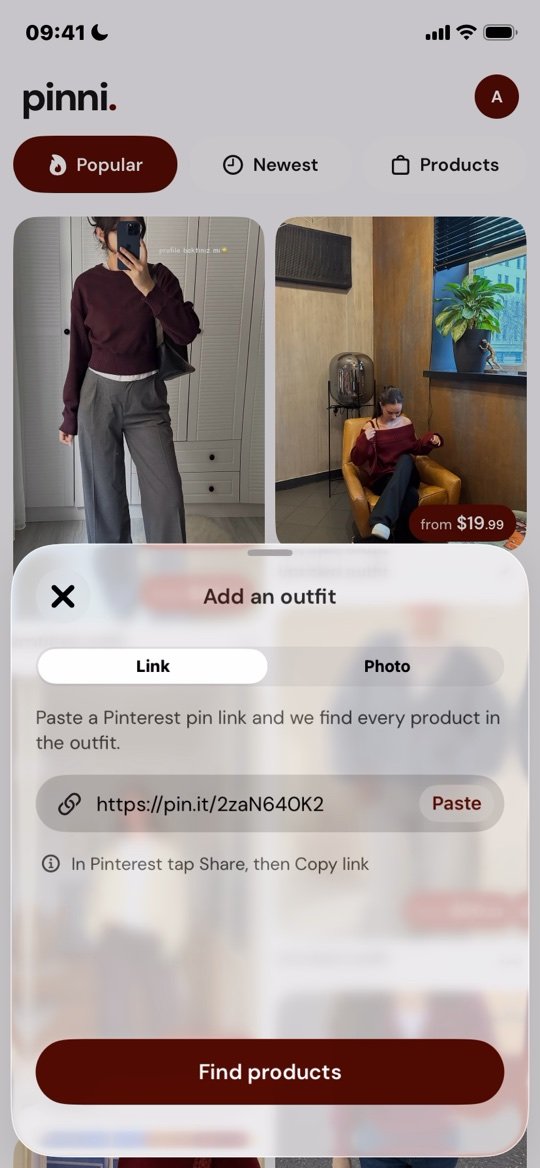
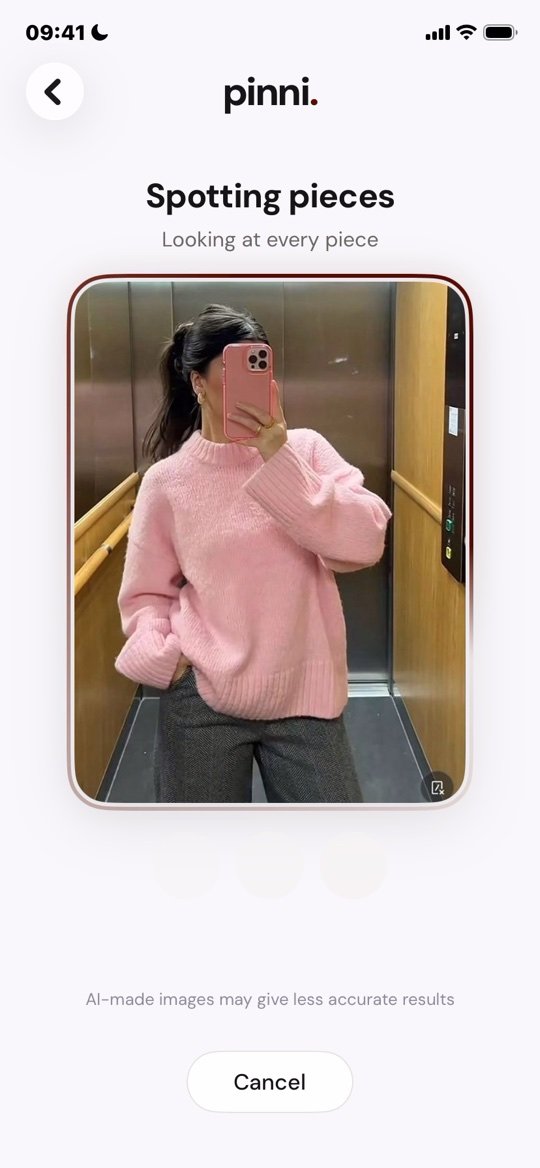
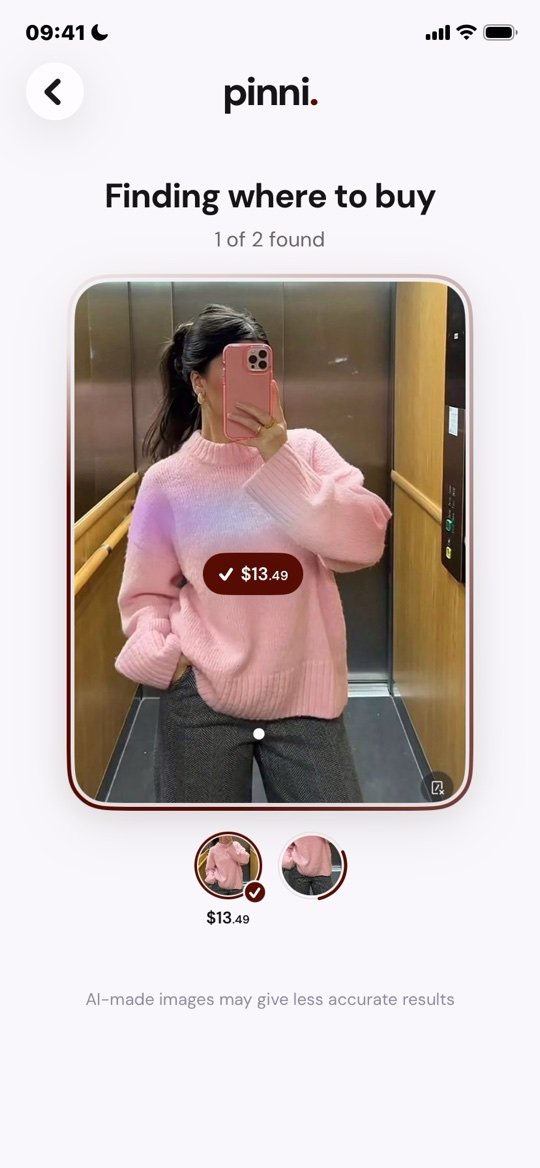
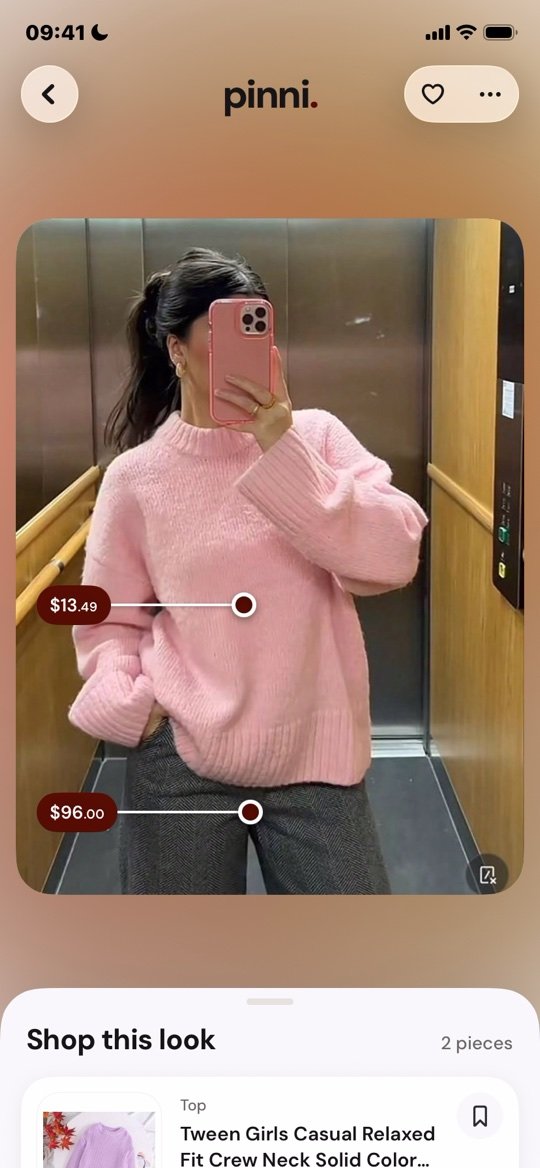
Matches are close, not always exact, so open the seller's page before you buy. pinni is an independent iPhone app and is not connected to Pinterest. Get the app.
Why you often cannot find the exact item
- The outfit was styled from the creator's own wardrobe, so some pieces were never sold.
- The pin is old and the item is discontinued or sold out.
- The piece is vintage or secondhand, so there is only one in the world.
- The image was made by AI, so the clothes do not exist.
Aim for a close match instead: the same shape, the same color and a similar fabric. For the buying side, can you buy clothes from Pinterest? explains how checkout works, and find this outfit when there is no link covers the hard cases.
Questions people ask
Can Pinterest tell me where to buy the clothes in a pin?
Sometimes. Some pins link to a store or a product page, and some show product details. Many pins are just photos with no shopping link, which is why a visual search or an outfit finder helps.
Is there an app that finds clothes from a Pinterest pin?
Yes. pinni takes a Pinterest pin link, or a screenshot of the pin, and lists each piece with a price and a seller link.
Is Google Lens free?
Yes. Google Lens is free to use. It is built into the Google app and into Chrome.
Why does my search show photos instead of products?
The search is looking at the whole picture. Crop to one piece, such as the jacket or the shoes, and search again. Opening the Shopping tab also helps.
Does pinni work on Android?
Not for now. pinni is built for iPhone, iOS 17 or later.
Is pinni affiliated with Pinterest?
No. pinni is independent. It is not affiliated with, endorsed by or sponsored by Pinterest.
Shop the whole outfit from one pin or one screenshot.
Paste a Pinterest pin link or upload a screenshot. pinni finds each piece, shows a price and links you to the seller. Made for iPhone.
Get the app