
Shop the whole outfit from one pin.
Paste a Pinterest pin link. pinni finds each piece in the photo and shows one price with a link to the seller.
You saw the outfit on Pinterest. pinni finds every piece, shows one price for each, and sends you straight to the seller.
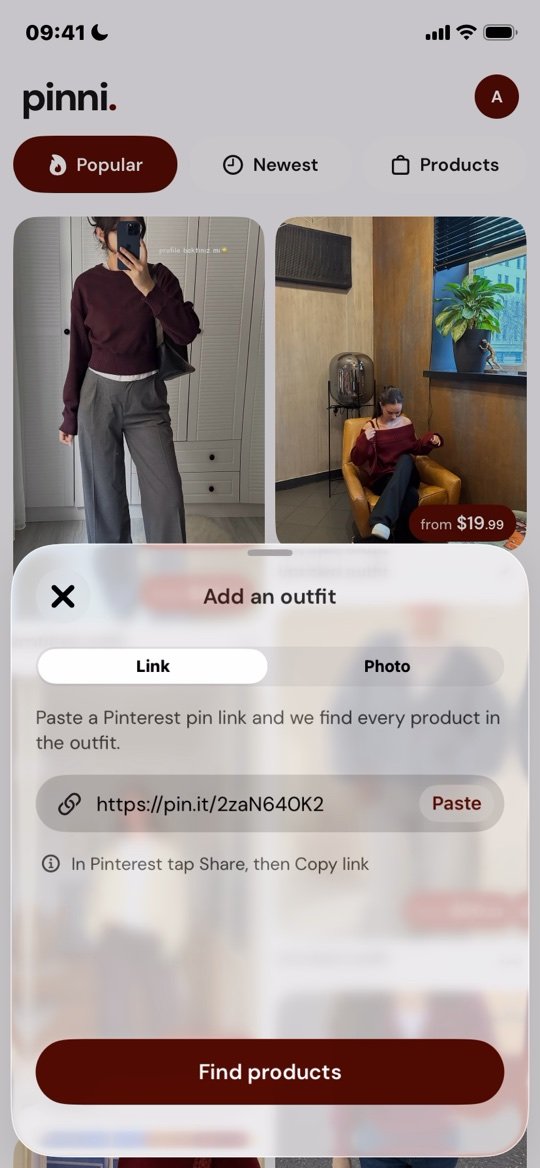
Share a pin
In Pinterest tap Share, then Copy link. Paste it in pinni, or pick a photo from your library.
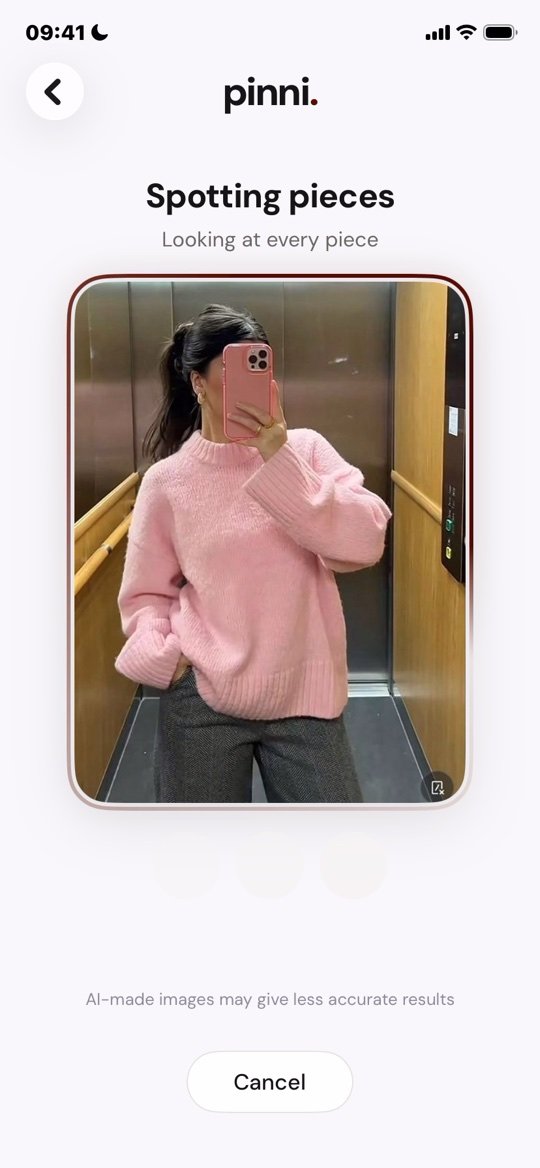
pinni spots each piece
It looks at the photo and finds every piece: tops, bottoms, shoes and bags.
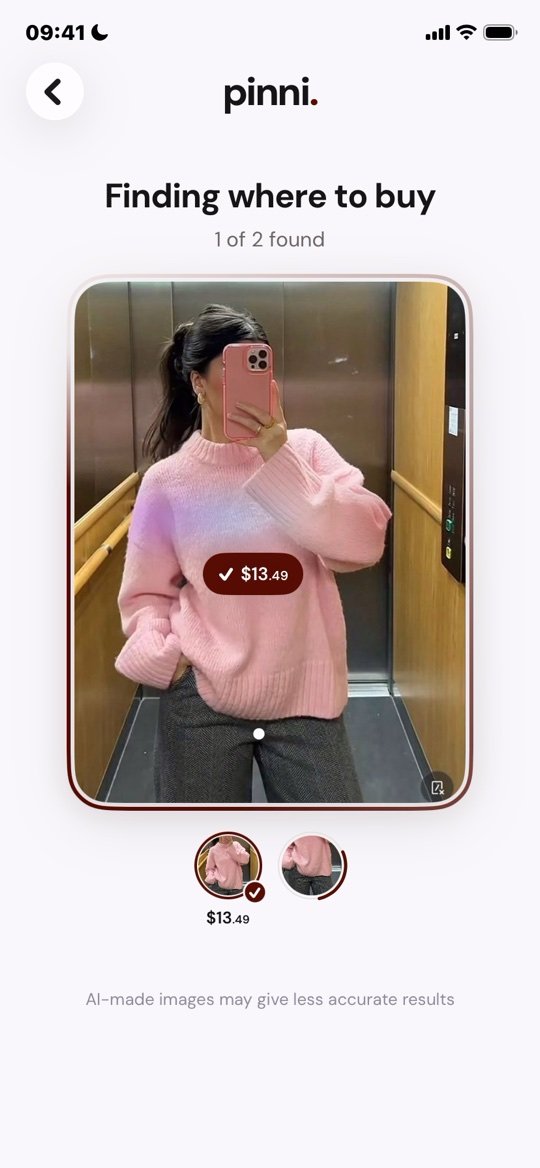
Finds where to buy
It searches the stores and picks a close match for every piece.
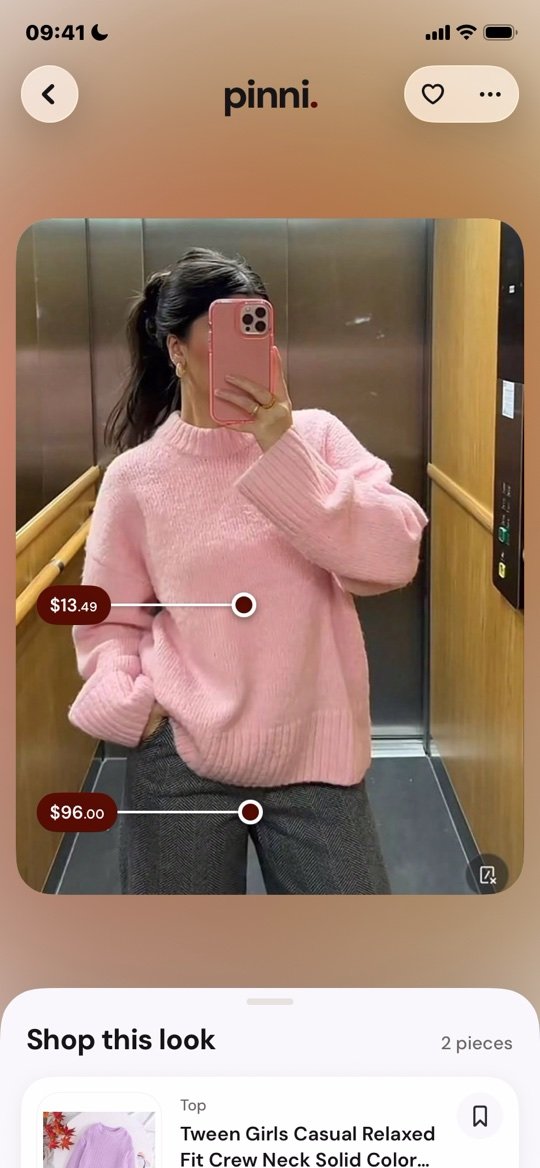
Tap a price and shop
Every piece opens the seller's own page. You buy straight from them.
Pro when you want more.
Paste a pin, see each piece.
- 1 new outfit to start, then 1 every month
- Browse every outfit already found
- Like outfits, save products into groups
Billed monthly. Cancel any time.3 days free, then $3.75 a month. Cancel any time.
- 20 new outfits every month
- Outfits already found are always free
- Need more? 10 extra outfits for $4.99
Subscriptions are billed through your Apple ID and renew automatically until you cancel at least 24 hours before the period ends. The yearly plan starts with a 3 day free trial that includes 5 new outfits. Manage or cancel in your Apple settings. Outfit packs are one time purchases. Prices are in USD and can vary by country.
Good to know.
No. pinni is an independent app. It is not affiliated with, endorsed by or sponsored by Pinterest. Pinterest is a trademark of Pinterest, Inc.
Not always. pinni finds close matches to what it sees in the photo, so check the product page before you buy. You can report a bad match from the app.
pinni shows the price found in online search results at the time of the search. Prices change and we can't promise it's the lowest. The seller's page always has the final price.
No. Links go straight to the seller and pinni takes no cut. The app is paid for by Pro subscriptions.
Yes. You can paste a Pinterest pin link or pick a photo from your library.
Not for now. pinni is built for iPhone (iOS 17 or later).
Open Settings in the app and choose Delete account. Your profile, likes, saved products and groups are removed. See the Privacy Policy for details.