
Search the character and the title with the word "outfit", check fan sites and the costume designer's credits, then take a clean screenshot of the scene and search each piece. Or upload the screenshot to pinni for close matches with a price and a seller link. Costumes are often custom or vintage, so a close match is the realistic goal.
You pressed pause because of the coat. The character walks through one scene, the outfit is perfect, and no website lists it. Film and TV costumes are a different search from street style, because the clothes were chosen for a character, often made for the show, and rarely sold as they appear. Here is how to get as close as you can.
Step 1: search the character and the title
Type the character name, the title and the word "outfit" into a search engine. Fans catalog costumes in great detail, and some of the answers are already online. Add the season and episode number if you know them, because the outfit may only appear in one.
Step 2: check fan sites and communities
Look for fan wikis and community threads for the show. On Reddit, r/findfashion is one place where members identify clothes from a scene. Post the screenshot, name the show and the episode, and say what you can spend.
Step 3: look up the costume designer
Most productions credit a costume designer. A search for the designer's name with the show title sometimes leads to interviews about the pieces used, and to brands that dressed the cast. If the outfit came from a known label, the brand's own social posts may mention it.
Step 4: capture a clean screenshot
Pause the scene where the character is still and the outfit is fully in frame. Avoid frames with motion blur or heavy shadow. Then crop to one piece and search it, or take the whole frame forward to the next step. The method for turning a screenshot into a search is in how to find clothes from a screenshot on iPhone.
Step 5: upload the scene to pinni
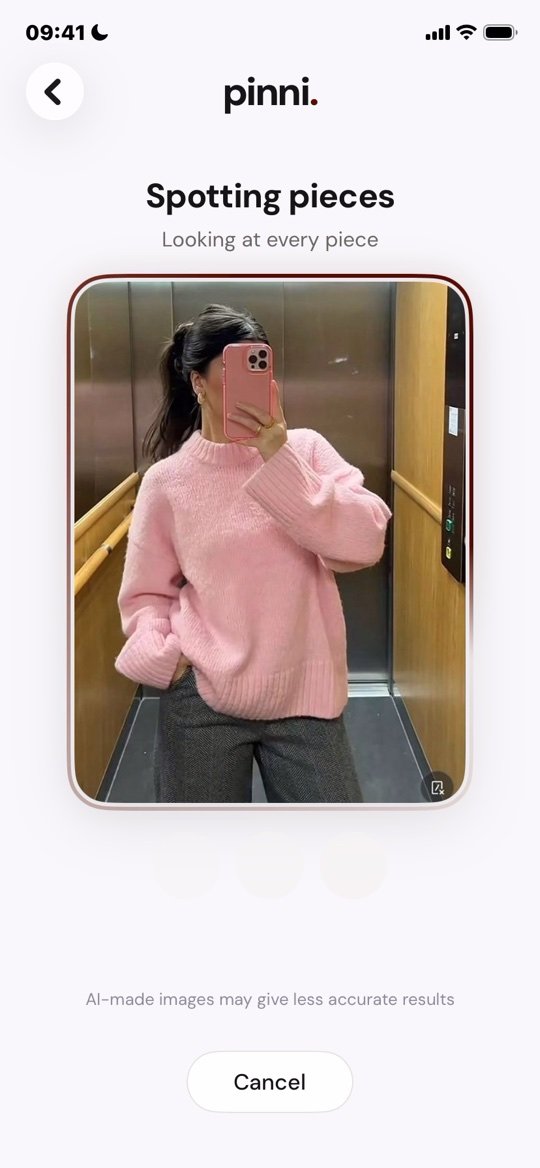
Upload the screenshot to pinni on the Photo tab. pinni spots each piece it can see, such as the coat, the trousers and the shoes, and lists a close match for each with a price and a link to the seller. You get everyday versions of the look, even when the original was custom.
pinni is an independent iPhone app and it takes no commission when you buy. Period costumes and heavily stylized scenes may match less closely, so check each result against the frame. Get the app.
Why you may not find the exact piece
- The costume was made for the production and never sold.
- The piece is vintage, so only a similar one can be found.
- The show is old and the item has been discontinued.
- Color grading changed how the outfit looks on screen.
Aim for the same shape, color and fabric. If the exact item is vintage, how to find similar clothes for less shows how to judge a close match.
Shop the look without the exact pieces
Rebuild the outfit from its parts. Write the pieces down, as in find this outfit when there is no link, then find an everyday version of each. Celebrity red carpet looks work the same way, and that guide is in celebrity outfit finder. The full method is in how to find clothes from a picture.
Questions people ask
How do I find clothes from a movie?
Search the character, the title and "outfit", check fan sites and the costume designer's credits, and take a screenshot to search piece by piece or upload to pinni.
How do I find a shirt from a TV show?
Pause on a clear frame, crop to the shirt and search it, and describe it in words if the image search misses. Fans often list shirts from specific episodes.
Why does no one sell the exact costume?
Many costumes are custom made or vintage. Shops sell inspired versions instead.
Is there an app to find clothes from a screenshot of a movie?
Yes. pinni accepts a screenshot from your library and lists close matches for each piece it finds.
Can I find clothes from a video, not a photo?
Yes. Pause on a clear frame, take a screenshot and search that. Pausing where the character faces the camera works best.
Pause. Screenshot. Shop.
Take a screenshot of the scene and upload it. pinni finds close matches for each piece, with a price and a seller link.
Get the app