
You have three good routes on iPhone. Crop the screenshot and search it with the Google app, search it with the camera icon inside Pinterest, or upload the whole screenshot to pinni, which finds every piece and lists a price and seller link for each. Use the first two for one item, and the third for a full outfit.
Your camera roll has a folder you never open: screenshots of outfits you meant to shop. Here is how to turn them into something you can buy, with the free routes first and the fast one last.
Clean up the screenshot first
A tidy image gets better results from every tool below. Two quick steps:
- Note the account name or the source if the screenshot shows one. Creators often list what they wear, so you may want that page later.
- Open the screenshot in Photos, tap Edit, then Crop. Cut out buttons, captions, usernames and the status bar.
On iOS 16 or later you can also touch and hold the person in the photo to lift them out of the background, then save the result as a new image. It is a quick way to get a clean picture of the outfit.
Route 1: the Google app (one piece)
- Open the Google app. It is a free download.
- Tap the camera icon in the search bar.
- Choose your screenshot from the photo library.
- Drag the corners of the box so it covers one piece, such as the jacket.
- Scroll to the product or shopping results and compare the closest matches.
If the picture is on a web page rather than in your photos, touch and hold it in Chrome and look for the option to search the image with Google Lens.
Route 2: Pinterest camera search (more ideas)
The Pinterest app has a camera icon in its search bar, which lets you search with a photo from your library. The results are pins, so you get more outfits like yours rather than a product page. Open a pin and follow its link to see where a piece can be bought.
Route 3: upload the screenshot to pinni (whole outfit)
One crop finds one piece. A full outfit with a top, trousers, shoes and a bag means four or five crops, each with its own results page. pinni takes the whole screenshot at once.
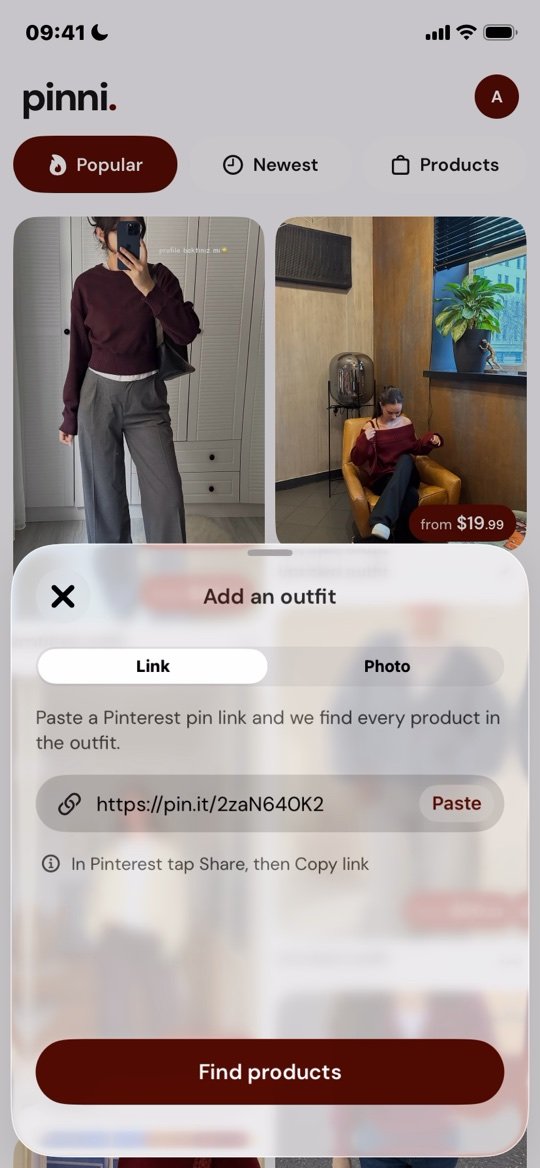
- Open pinni and tap the plus button to add an outfit.
- Choose the Photo tab and pick the screenshot from your library. If the outfit came from Pinterest, you can paste the pin link on the Link tab instead.
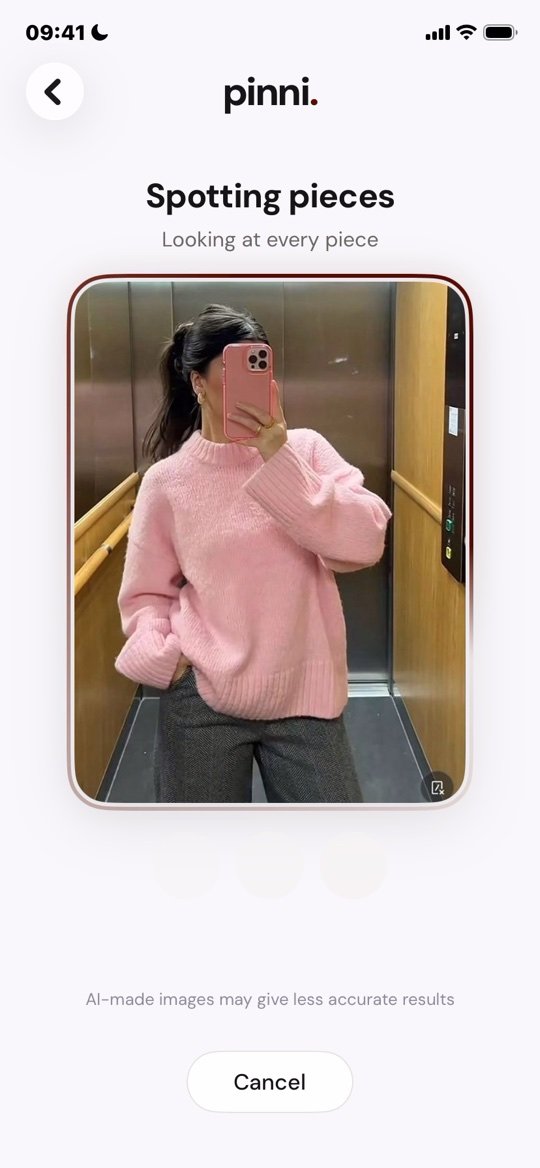
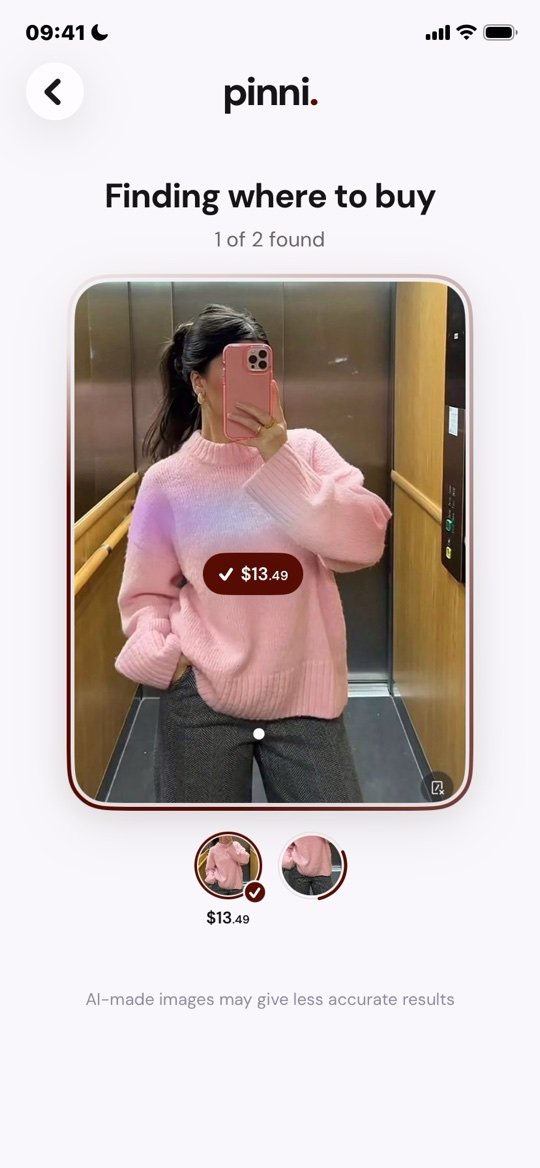
- Wait while it spots each piece and looks for where to buy it.
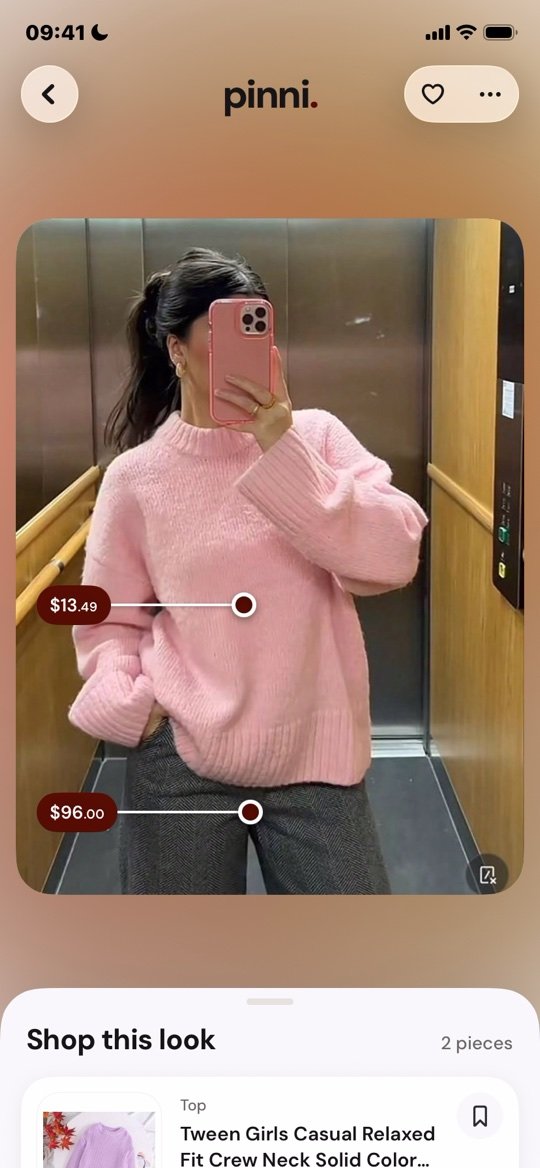
- Open the Shop this look list. Every piece has a price and opens the seller's own page.
Matches are close, not always exact, so check the product page before you buy, and report a bad match from inside the app. pinni takes no commission on what you buy. It is an independent iPhone app that needs iOS 17 or later. Get the app.
Screenshots from TikTok and Instagram
Social screenshots are the trickiest, because the clothes are often small and moving. Do these first.
- Write down the account name before you crop it out. Creators often list outfit details in a caption, a highlight or a link in their bio.
- Look at the tagged items and the comments on the original post.
- For video, scrub to a frame where the piece is large and sharp, then take the screenshot.
- Avoid screenshots of screenshots. Each copy loses detail.
The full routine for each app is in find clothes from Instagram and find clothes from TikTok.
Which route to use
| Route | Best for | Limit |
|---|---|---|
| Google app | Product pages for one piece | Results depend on how tight the crop is |
| Pinterest camera search | More outfits like this one | Returns pins, not product pages |
| A store's own app | Buying straight away | Only shows that store's stock |
| pinni | Full outfits with several pieces | Close matches, not always exact |
If the search misses
- Search again with a tighter crop on a single item.
- Describe the piece in words: color, material, cut, item, one detail.
- Go back to the account you noted and read their captions and highlights.
- Try a different frame if the screenshot came from a video.
More methods are in how to find clothes from a picture. If the screenshot came from Pinterest, you can also copy the pin link and work from the pin itself.
Questions people ask
Is there an app to find clothes from a screenshot?
Yes. pinni is an iPhone app that takes a screenshot or a photo from your library, finds each piece in the outfit and lists a price with a link to the seller. Google Lens works on one piece at a time.
Can my iPhone identify clothes in a photo by itself?
Photos can recognize some things, such as plants and landmarks, but it is not built to tell you where to buy a jacket. For that you need a visual search tool or a shopping app.
Does it work with a screenshot from a video?
Yes, if the frame is sharp. Pause on a moment when the piece faces the camera and is not blurred by motion.
Why does the search show the wrong item?
Usually the box is too wide and the search picked up the background or another piece. Crop tighter around one item and try again.
Do I need to pay?
Google Lens and Pinterest search are free. pinni has a small allowance of new outfits before any paid plan.
Upload the screenshot. Shop the outfit.
pinni reads a screenshot or a pin link, finds every piece, and shows a price with a link to each seller. Made for iPhone.
Get the app